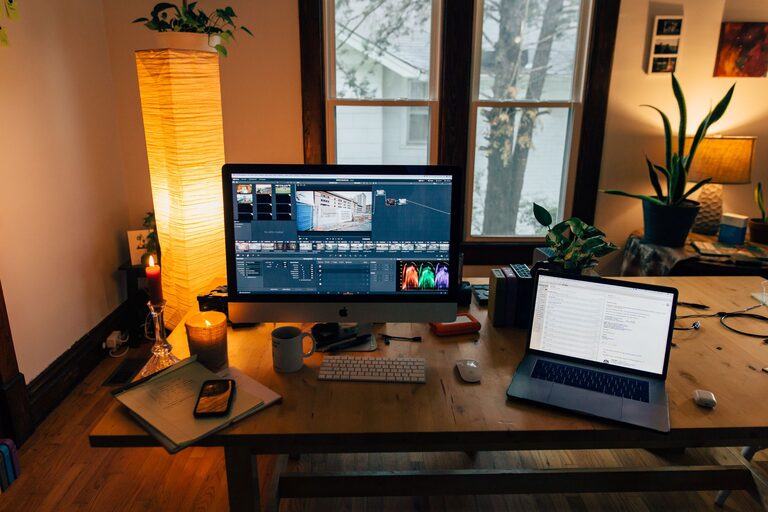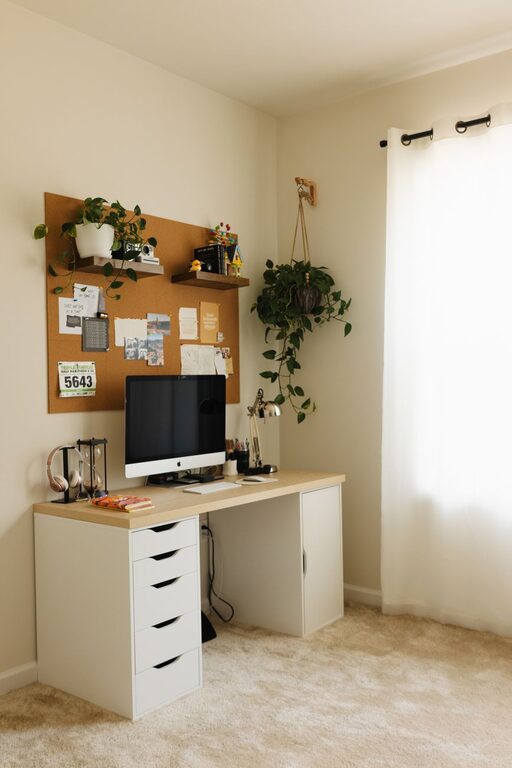
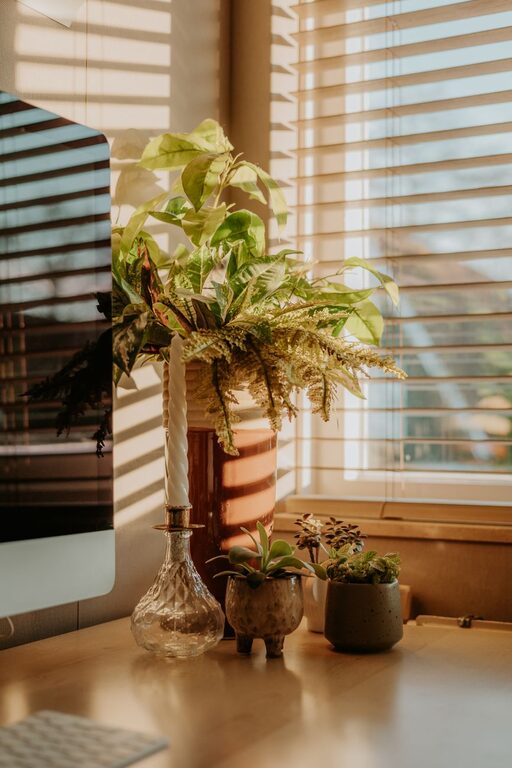
Working from home has become increasingly common, and having a dedicated home office space can significantly improve your comfort and productivity. Creating a cozy and functional area tailored to your needs helps reduce distractions and keeps you motivated throughout the day. Whether you have a spare room, a corner in the living room, or just a small nook, these tips will guide you in designing the ideal home office.
Choose the Right Location
Selecting the right spot for your home office is the first step toward a productive workspace. Look for a quiet area with minimal foot traffic where you can focus without interruptions. If possible, pick a space near a window to benefit from natural light, which can boost mood and energy levels.
Consider Privacy and Noise Levels
Privacy is essential for concentration. If your home is busy, consider using a room with a door or adding room dividers to reduce noise and visual distractions. Noise-cancelling headphones can also be helpful, especially for video calls or intense focus.
Invest in Comfortable and Ergonomic Furniture
Comfort is key when spending long hours working. Choose a chair that supports your back and encourages good posture. An adjustable office chair is ideal because it can be tailored to your height and seating preferences.
Desk Options
Select a desk that fits your space and supports your work needs. For smaller areas, wall-mounted desks or compact tables can save room without sacrificing functionality. If you enjoy standing while working, a sit-stand desk or an adjustable desk converter can be a great addition.
Optimize Lighting
Proper lighting minimizes eye strain and creates a welcoming atmosphere. Position your desk near natural light, but avoid glare on your computer screen.
Use Layered Lighting
Combine ambient lighting, such as ceiling lights, with task lighting like desk lamps for flexibility. Adjustable lamps allow you to direct light precisely where you need it, improving focus and comfort.
Organize Your Space Efficiently
A clutter-free environment helps keep your mind clear and reduces stress. Use storage solutions that work for you, such as shelves, drawers, or filing cabinets.
Tips for Organization
– Use cable management tools to keep cords neat and prevent tangles.
– Store frequently used items within arm’s reach.
– Regularly declutter your space to maintain order.
– Add organizers like trays, baskets, or drawer dividers for better sorting.
Personalize Your Workspace
Incorporate elements that make your office inviting and reflect your personality. This can include artwork, plants, or meaningful decorations.
Benefits of Plants
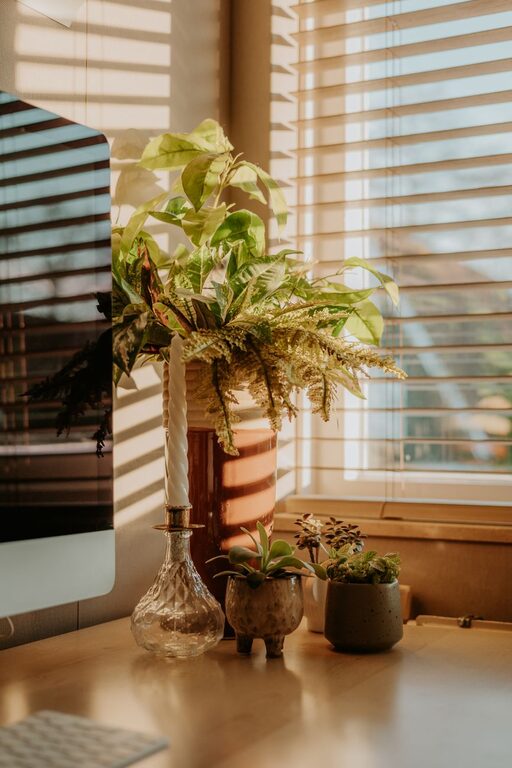
Plants not only add color but can improve air quality and increase feelings of well-being. Choose low-maintenance varieties like succulents or snake plants for ease of care.
Minimize Distractions
Create boundaries to separate work time from personal time. Inform household members about your working hours to reduce interruptions.
Digital Discipline
Turn off non-essential notifications during work hours and use focus tools or apps to maintain concentration.
Incorporate Productivity Tools
Use tools that help streamline your workflow and keep you on track.
Examples
– A whiteboard or corkboard for notes and reminders.
– Calendars and planners to organize deadlines.
– Noise machines or background music apps to improve focus.
Maintain a Healthy Routine
Remember to take breaks regularly to stretch, hydrate, and rest your eyes. Keeping your workspace clean and rearranged occasionally can also refresh your mindset.
—
By carefully planning and tailoring your home office, you can create a space that is both cozy and conducive to productivity. Small changes like good lighting, ergonomic furniture, neat organization, and personal touches can make all the difference in your work-from-home experience.
About the Author