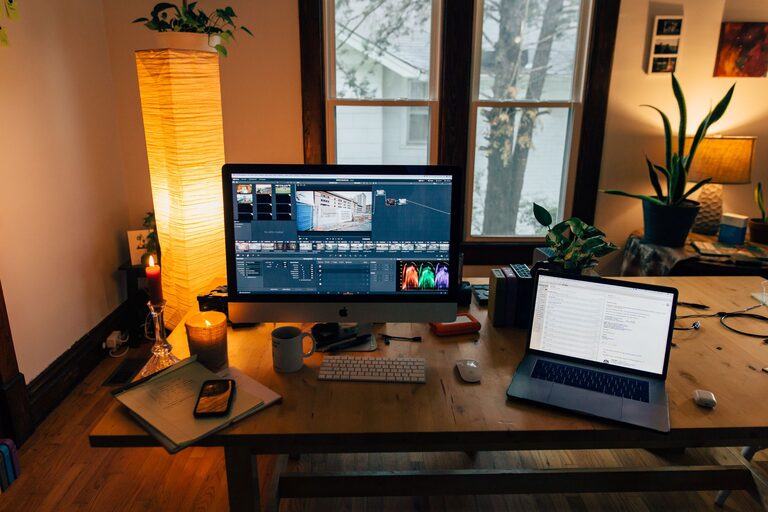
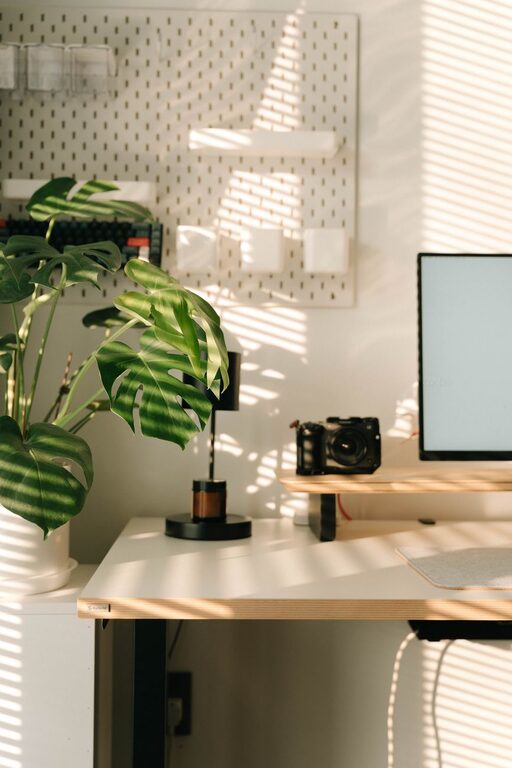
Creating an organized and productive home workspace is essential for anyone who works remotely or spends extended periods working from home. A well-structured environment not only helps you stay focused but also promotes better work habits and reduces stress. Whether you have a dedicated room or a small corner in your living space, these tips will help you create a workspace that supports your best work.
Why an Organized Workspace Matters
An organized workspace minimizes distractions and clutter, allowing you to concentrate on your tasks more easily. When everything has its place, you waste less time searching for documents or tools. Plus, a tidy workspace can improve your mood and make your workday more enjoyable.
Choosing Your Workspace Location
Find a Quiet Spot
Select a space where you can focus with minimal interruptions. Avoid high-traffic areas if possible and think about how much natural light the space receives.
Consider Comfort and Accessibility
Make sure your workspace is comfortable to sit at for long periods. It should be near outlets for your devices, and you should have enough space for your essentials.
Essential Furniture and Equipment
Invest in a Good Desk and Chair
Your desk should be spacious enough to hold your computer, notebooks, and other items. Choose an ergonomic chair to support good posture and reduce back strain.
Use Proper Lighting
Natural light is best, but if that’s not possible, an adjustable desk lamp with soft, warm light can reduce eye strain.
Technology Setup
Ensure your computer, internet connection, and other devices are reliable and fast enough for your work tasks.
Organizing Your Workspace
Declutter Regularly
Keep only the essentials on your desk. Store papers, office supplies, and other items in drawers or organizers to maintain a clean surface.
Use Storage Solutions
Shelves, filing cabinets, and desk organizers help keep everything neat. Label containers and files to find what you need quickly.
Cable Management
Use clips or sleeves to bundle cables and avoid tangles, which can create visual clutter and potential hazards.
Productivity Tips for Your Home Office
Establish a Routine
Set regular working hours to build a consistent schedule. Starting your day at the same time helps signal your brain that it’s work time.
Take Breaks
Use techniques like the Pomodoro method—working for 25 minutes, then taking a 5-minute break—to maintain focus and avoid burnout.
Minimize Distractions
Turn off non-work notifications and consider using noise-cancelling headphones if you are in a noisy environment.
Personalize Thoughtfully
Add a few personal touches, such as plants or artwork, to create a pleasant atmosphere without cluttering your space.
Maintaining Your Workspace Over Time
End Each Day With a Reset
Spend a few minutes tidying up at the end of your workday to prepare for the next day.
Regularly Review Your Setup
Periodically assess whether your workspace still meets your needs and make adjustments as needed.
Final Thoughts
Creating an organized and productive home workspace takes some planning, but the benefits are well worth the effort. A comfortable, clutter-free environment helps you work more efficiently and enjoy your workday. By following these tips, you can build a home workspace that supports your productivity and well-being, no matter the size or location of your setup.
About the Author