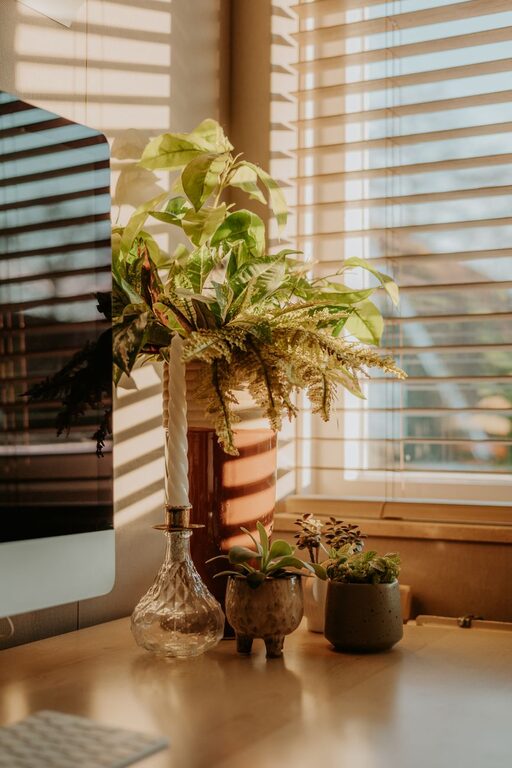

Creating a productive home office space is essential for anyone working remotely or managing tasks from home. A well-designed workspace can improve focus, reduce distractions, and help separate work from personal life. Whether you have a dedicated room or a small corner in your living area, there are many ways to make your home office comfortable and efficient. In this article, we’ll share helpful tips to design a productive home office space that suits your needs.
Choose the Right Location
Find a Quiet Spot
Selecting the right location is the first step. Ideally, pick a quiet area away from household noise where you can concentrate. If possible, use a separate room to create a clear boundary between work and leisure.
Consider Natural Light
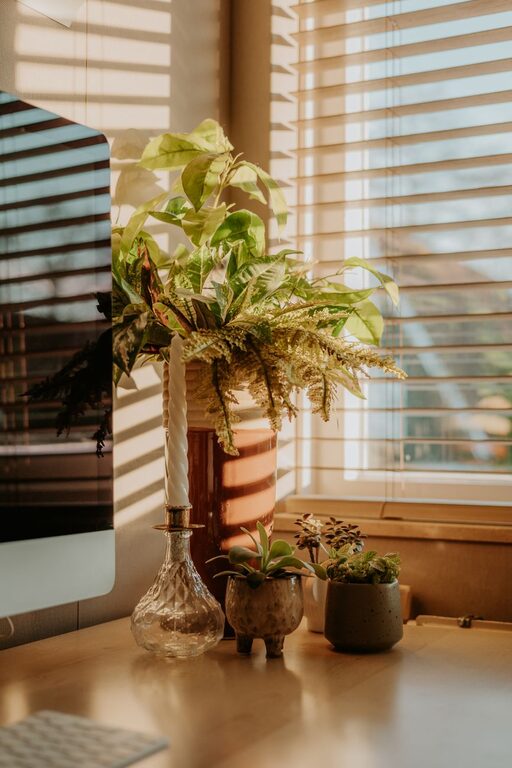
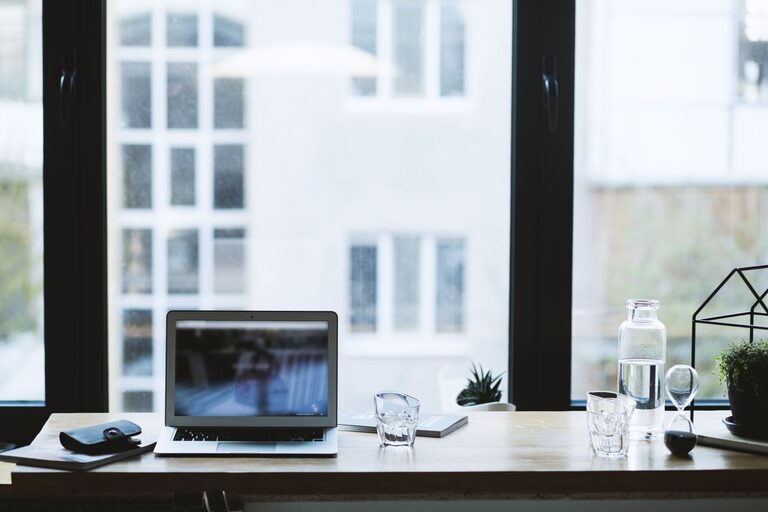
Natural light helps increase alertness and improves mood. Position your desk near a window if you can. Make sure to control glare with blinds or curtains for screen comfort.
Accessibility and Privacy
Make sure your workspace is easily accessible but also provides privacy during meetings or focused work sessions.
Invest in Comfortable Furniture
Ergonomic Chair and Desk
An adjustable ergonomic chair supports your posture and prevents discomfort during long hours. Pair it with a desk at the right height to keep your wrists and arms comfortable.
Desk Space
Choose a desk that fits your equipment and allows enough space to spread out documents or devices. Consider a standing desk or adjustable desk if you want to alternate between sitting and standing.
Organize Your Workspace
Declutter Regularly
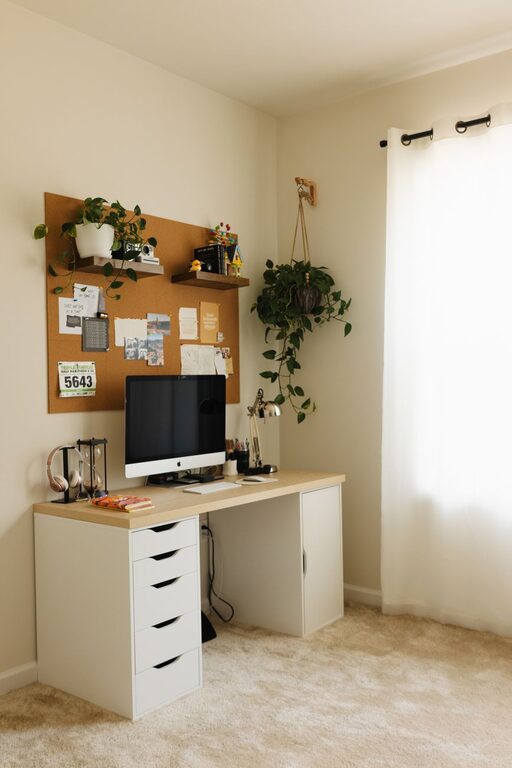
A tidy desk helps reduce stress and distractions. Keep only the essentials on your desk and store the rest in drawers or shelves.
Use Storage Solutions
Use organizers, shelves, and filing cabinets to arrange papers, office supplies, and gadgets neatly. Labeling storage boxes can also make it easier to find what you need quickly.
Set Up Technology Efficiently
Reliable Internet Connection
A stable, high-speed internet connection is vital for smooth remote work. Position your router or use wired connections to avoid interruptions.
Quality Equipment
Invest in a good computer, monitor, keyboard, and mouse. Consider noise-cancelling headphones for better focus and clear communication during calls.
Cable Management
Keep cables organized using clips, ties, or cable trays to avoid tangling and create a clean workspace.
Enhance Lighting and Ambience
Adequate Lighting
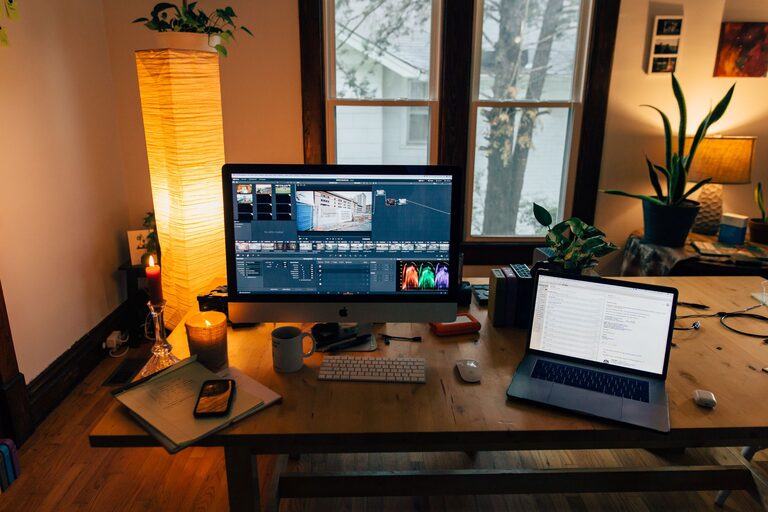
Besides natural light, use adjustable desk lamps to reduce eye strain. Soft white bulbs generally create a cozy yet productive atmosphere.
Personal Touches
Add plants, artwork, or personal items that inspire you. Keep decorations minimal to avoid clutter but enough to make the space inviting.
Establish a Routine and Boundaries
Define Work Hours
Set clear start and end times for your workday to maintain balance. Use alarms or calendar reminders to switch between tasks or take breaks.
Break Area
If space allows, create a small zone for short breaks away from your desk. This helps you recharge and stay productive.
Manage Noise and Distractions
Soundproofing Tips
Use rugs, curtains, or soft furnishings to absorb noise. White noise machines can also help mask background sounds.
Set Expectations with Others
Communicate your work hours with family or housemates to minimize interruptions.
Stay Motivated and Healthy
Take Regular Breaks
Follow the 20-20-20 rule: every 20 minutes, look at something 20 feet away for 20 seconds. Stand up and stretch regularly to prevent stiffness.
Hydration and Snacks
Keep water and healthy snacks nearby to stay energized without frequent trips to the kitchen.
—
By applying these tips, you can create a home office space that supports your productivity and wellbeing. Remember, your workspace should be functional but also comfortable and inspiring. Adjust your setup as needed to find what works best for you, and enjoy the benefits of a dedicated, productive home office.
About the Author